








If your business is not on Google Maps, you are invisible to many nearby customers. Setting up a Google Business Profile is free and takes less time than most people think. Here is how to do it right the first time.
In This Article
- Step-By-Step Setup
- How Verification Works
- After You Are Verified
- What Should You Do If Verification Fails?
- How Do You Keep Your Profile Safe After Verification?
- When Should You Get Expert Help With Setup?
- Need A Hand?
- Frequently Asked Questions
Step-By-Step Setup
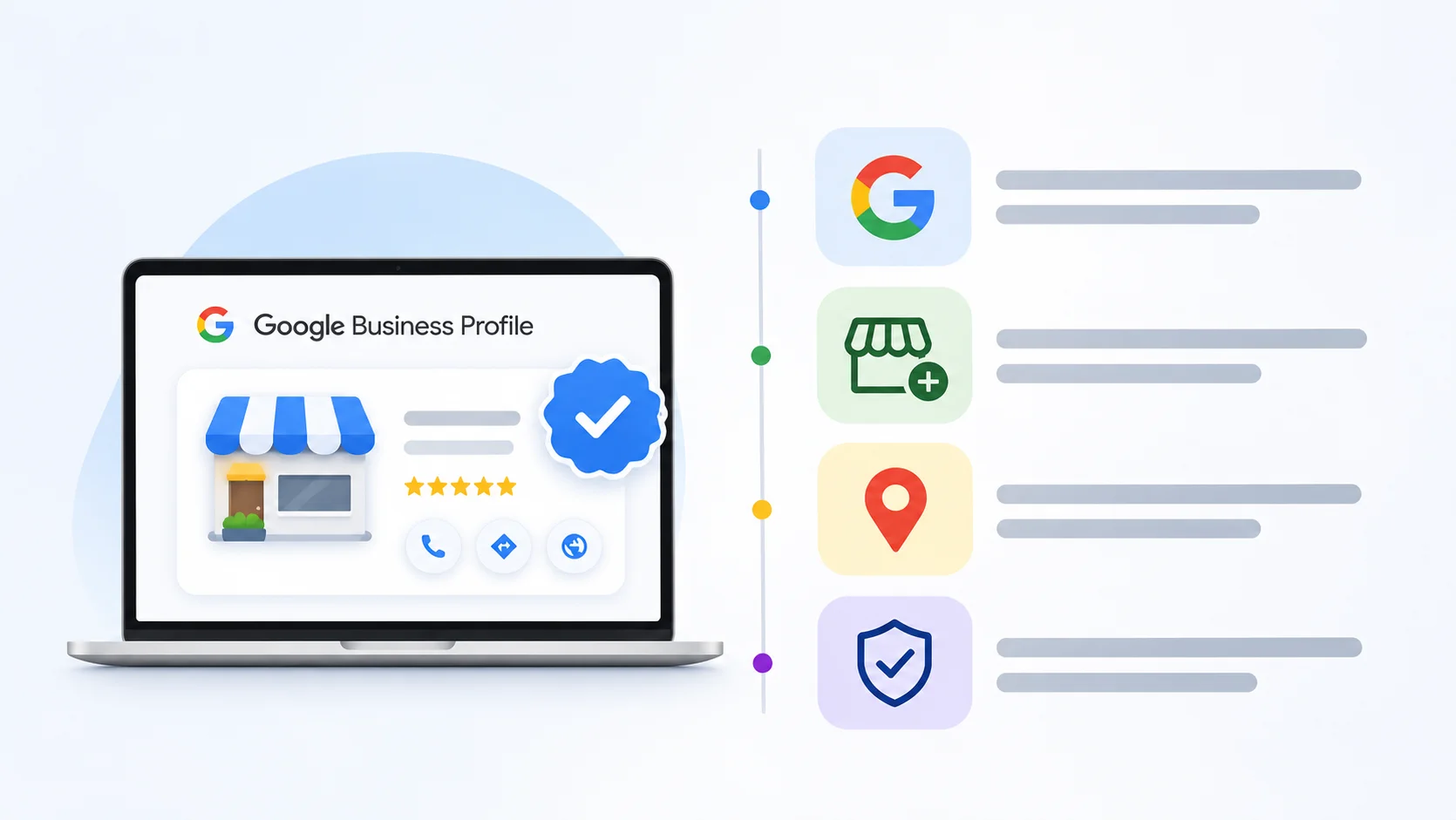
- Go to Google Business Profile and sign in with a business Gmail account.
- Enter your exact business name, as it appears on your signboard.
- Choose the most accurate primary category.
- Add your address, or a service area if you visit customers.
- Add your phone number, website and opening hours.
- Request verification using the option Google offers.
How Verification Works
Google may ask for a short video of your shop and signboard, a phone or email code, or a postcard. Video verification is common now, so show your signage, the inside of your shop and something that proves you run it, like a billing counter.
After You Are Verified
Add photos, services, products and a first post. Businesses like electricians and plumbers often list each service separately, which helps them appear for more searches, a key part of Google Business Profile work for electricians.
What Should You Do If Verification Fails?
Verification problems are common, and most can be fixed.
Common Reasons It Fails
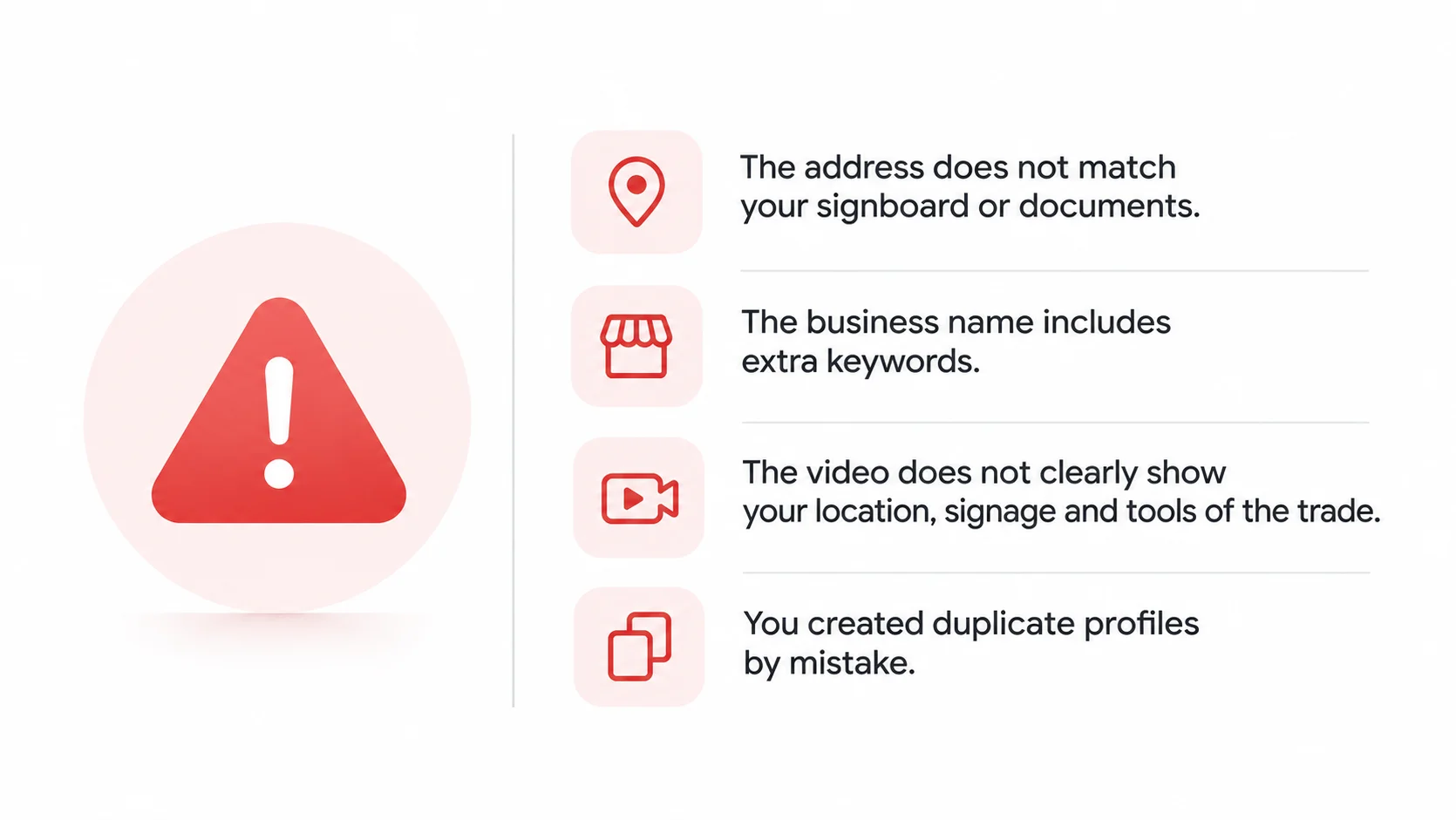
- The address does not match your signboard or documents.
- The business name includes extra keywords.
- The video does not clearly show your location, signage and tools of the trade.
- You created duplicate profiles by mistake.
How To Fix It
Correct the details, record a clear verification video in daylight and resubmit. If it still fails, contact Google support through the help centre with photos and documents.
How Do You Keep Your Profile Safe After Verification?
A verified google business profile still needs care.
Protect Your Access
- Add a second owner you trust.
- Use a business email, not a personal one that may change.
- Remove old managers who no longer work with you.
Watch For Unwanted Edits
Anyone can suggest edits on Google. Check your profile every week to make sure nobody changed your hours, phone or category.
When Should You Get Expert Help With Setup?
Setup sounds simple, but mistakes at the start can cause suspensions later.
Who Benefits Most
Businesses with multiple branches, service area businesses and those with past suspensions gain the most from help.
What Experts Do
Gmb optimization services and local seo services handle setup, verification, categories, photos and ongoing posts. Our local seo services in Bangalore include profile setup as part of the plan. See our Google Business Profile service. Businesses in north Bangalore can also see local SEO in Jakkur.
Need A Hand?
If verification keeps failing or your profile is suspended, a second pair of eyes helps. Our GBP optimisation work for home renovation contractors and other trades often starts with fixing exactly this. Businesses in areas like Hennur can also pair setup with local SEO in Hennur.
Frequently asked questions
How long does verification take?
Video and code verification can be quick; postcards can take a couple of weeks.
Can I create a profile without a shop?
Yes. Service businesses can hide their address and show a service area.
Can I have two profiles for one business?
Only if you have separate, staffed locations. Duplicates can cause problems.